
WindowsAndroidPublic Wi-Fi
البوابة الأسيرة وVPN على شبكات Wi-Fi العامة
غالبًا ما تتطلب الفنادق والمطارات والمقاهي والحرم الجامعي تسجيل دخول عبر الويب قبل أن يعمل الإنترنت العادي. إذا بدأ VPN قبل تسجيل الدخول هذا، فقد يبدو الأمر وكأن VPN هو من عطّل الاتصال.
تحديث
21 مايو 2026
نشر
21 مايو 2026
مراجعة
GhostMesh Network Team
beginner
7 دقائق قراءة
إجابة سريعة
افصل VPN، وافتح موقع HTTP بسيطًا أو صفحة تسجيل الدخول للشبكة، وأكمل البوابة الأسيرة، وتأكد من عمل التصفح المباشر، ثم أعد الاتصال بـ GhostMesh واختبر DNS وIP مرة أخرى.
تعرّف على البوابة
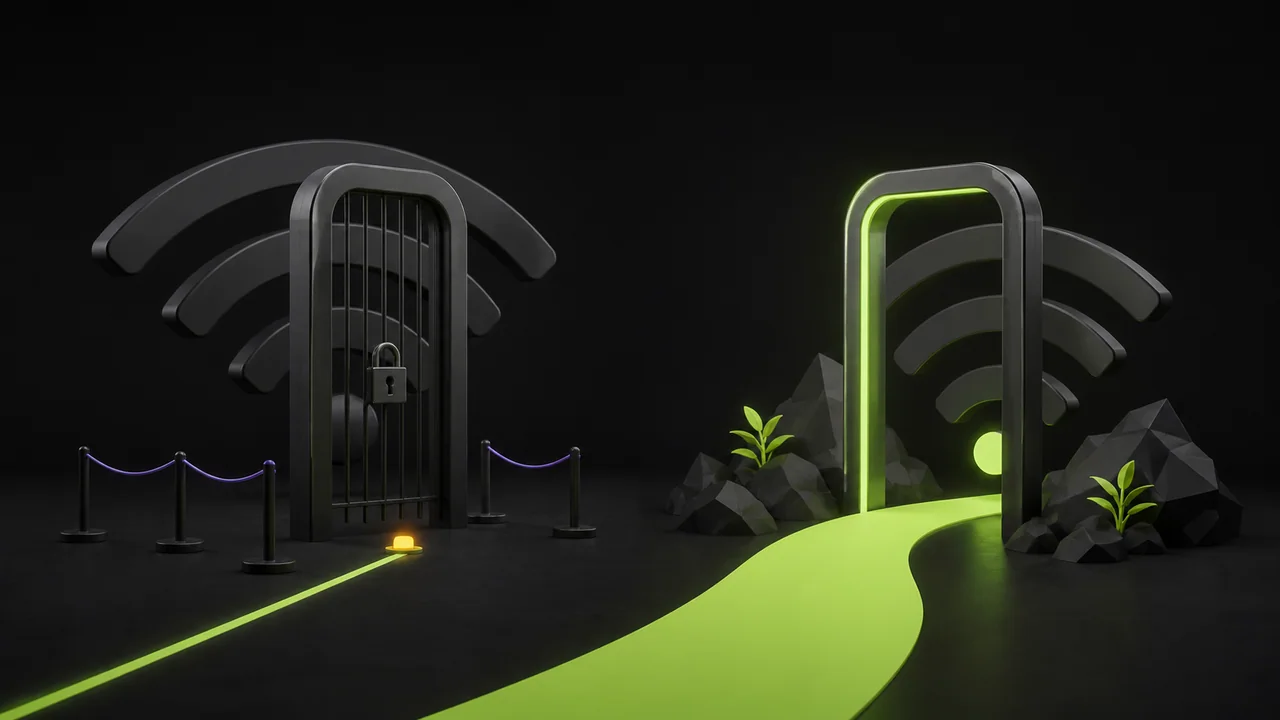
تعترض البوابة الأسيرة حركة البيانات إلى أن توافق على الشروط، أو تدخل رمز الغرفة، أو تتم عملية الدفع.
قد يتصرف DNS وHTTPS بشكل غريب قبل تسجيل الدخول، لذا شخّص البوابة أولًا.
| العرض | السبب المحتمل | كيفية التحقق | كيفية الإصلاح |
|---|---|---|---|
| Wi-Fi متصل، لا تفتح أي مواقع | البوابة لم تُستكمل | افتح صفحة تسجيل الدخول للشبكة | سجّل الدخول قبل تفعيل VPN |
| أخطاء HTTPS فقط | البوابة تعترض حركة البيانات | جرّب صفحة اختبار HTTP بسيطة | أكمل البوابة ثم أعد الاتصال |
| الإنترنت محظور بعد الانقطاع | مفتاح الإيقاف لا يزال يحمي حركة البيانات | تحقق من حالة VPN | أعد الاتصال أو عطّل مفتاح الإيقاف عمدًا |
بعد تسجيل الدخول
أعد الاتصال بـ VPN وكرّر اختبارات IP وDNS. قد تعاني شبكات Wi-Fi العامة أيضًا من إشارة ضعيفة، أو عزل العملاء، أو قيود زمنية.
إذا انتهت صلاحية البوابة، فقد تعود نفس الأعراض لاحقًا حتى لو لم تتغير إعدادات VPN.
قائمة تحقق
- ✓أكمل البوابة قبل تفعيل VPN
- ✓تحقق من التصفح المباشر
- ✓أعد الاتصال بـ GhostMesh
- ✓شغّل فحوصات IP وDNS