
Kill switch: what happens when the VPN drops
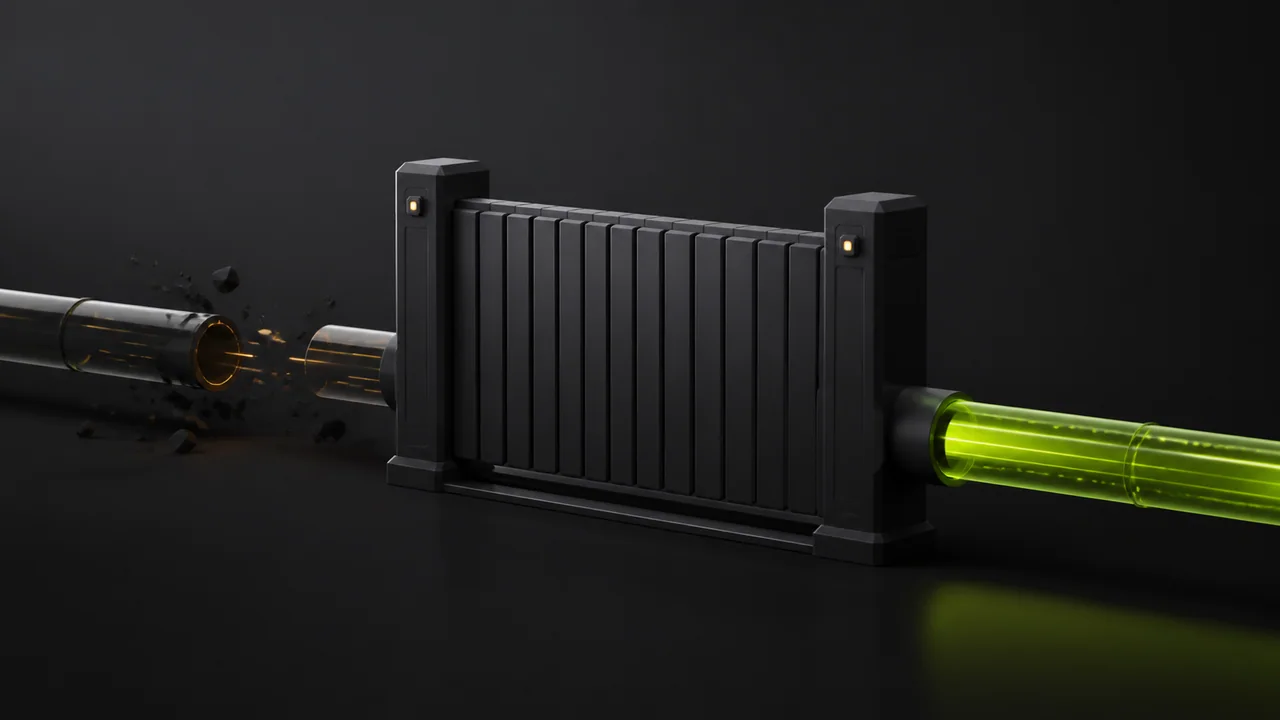
A kill switch is a safety rule for failure cases. It prevents selected traffic from falling back to the normal network when the VPN tunnel is not healthy.
Quick answer
Use kill switch when leaking your real IP would be worse than a short loss of connectivity. Test it by interrupting the network and confirming that protected apps stop instead of silently bypassing the VPN.
What a kill switch actually does
The feature does not make a VPN faster. It changes failure behavior: blocked traffic is safer than accidental direct traffic.
This matters on public Wi-Fi, during unstable mobile handoffs, and when apps keep reconnecting in the background.
- Blocks protected traffic during tunnel failure
- Reduces accidental IP exposure
- Makes failures visible instead of silent
Kill switch and split tunneling
Split tunneling intentionally lets some apps bypass the VPN. A good setup distinguishes intentional bypass from accidental fallback.
Review exclusions carefully. If a browser is excluded, kill switch cannot protect that browser traffic because you told it not to use the tunnel.
How to test safely
Connect the VPN, open a simple IP checker in a protected browser, then temporarily switch Wi-Fi off or move between networks.
The safe result is either a healthy reconnect or blocked connectivity until the VPN returns. If the browser shows your ISP IP, review the configuration.
Checklist
- ✓Test with a non-sensitive page first
- ✓Interrupt the network briefly
- ✓Confirm there is no direct fallback for protected apps
Limits to understand
Operating systems differ. Windows, Android, and future desktop clients expose different primitives for blocking traffic.
A kill switch also cannot fix a compromised device or a browser extension that sends data outside normal networking APIs.
FAQ
Can kill switch break internet access?
Yes, by design. If the VPN is down and traffic must stay protected, blocking is the safer outcome.
Does split tunneling make kill switch useless?
No. It means the kill switch should apply to traffic that is supposed to use the tunnel, not to intentional exclusions.