
Kill switch blocked internet after VPN disconnected
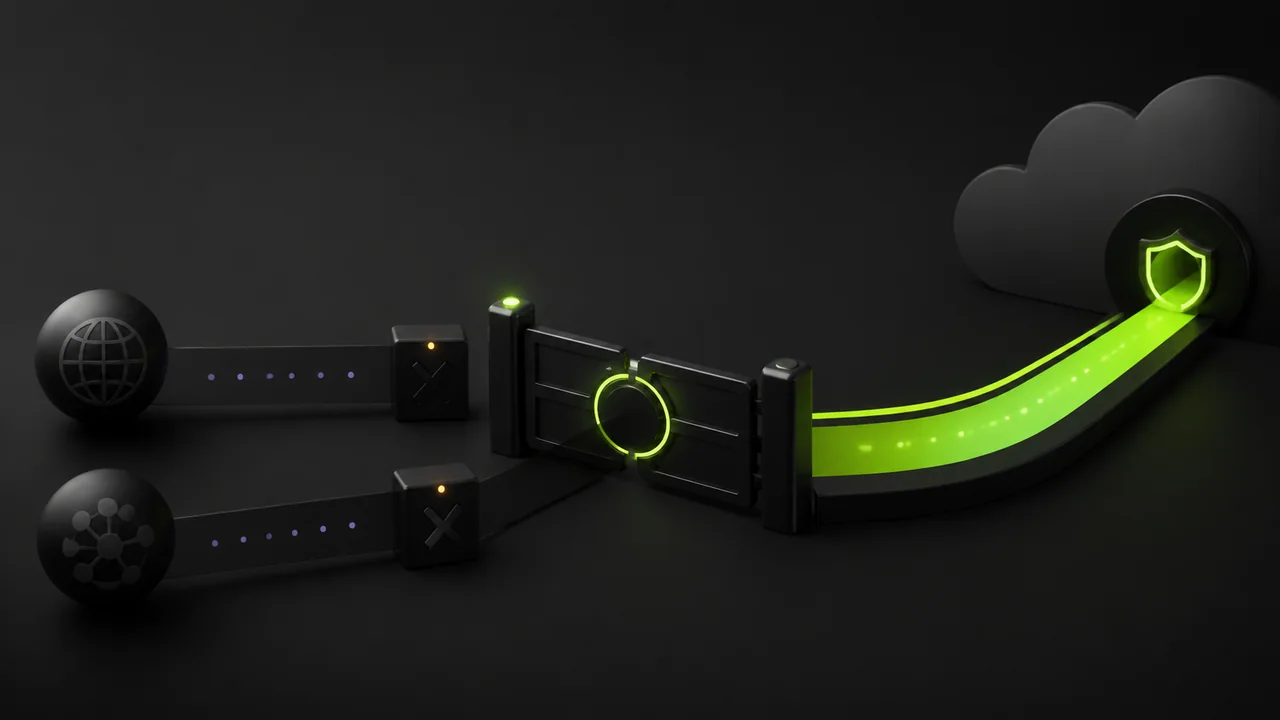
A kill switch blocks traffic when protected apps would otherwise fall back to the normal network. That can look like broken internet after a disconnect, but it is often expected safety behavior.
Quick answer
Open GhostMesh, check whether the tunnel is disconnected or reconnecting, reconnect once, then disable kill switch only if you intentionally accept direct traffic. On public Wi-Fi, complete captive portal login before reconnecting.
Restore access safely
Do not change random adapter or proxy settings first. Confirm whether the VPN client is still protecting traffic.
If you disable kill switch, remember that protected apps can use the direct network until the VPN is healthy again.
Checklist
- ✓Open GhostMesh and check connection state
- ✓Reconnect the VPN
- ✓Review protected apps or split tunneling
- ✓Disable kill switch only as an intentional temporary action
What if it returns
Repeated blocking after sleep, mobile handoff, or public Wi-Fi login points to network instability or captive portal behavior.
Record platform, network type, and whether the issue appears after disconnect, reboot, or screen lock.
| Symptom | Likely cause | Next step |
|---|---|---|
| Blocked after Wi-Fi login | Captive portal | Disconnect VPN, sign in, reconnect |
| Blocked after sleep | Network handoff | Reconnect and review battery/network settings |
| Only one app blocked | Split tunnel or protected app rule | Review app list |