
Portail captif et VPN sur le Wi-Fi public
Les hôtels, aéroports, cafés et campus exigent souvent une connexion web avant que l'internet normal ne fonctionne. Si le VPN démarre avant cette connexion, cela peut sembler que le VPN a cassé la connexion.
Réponse rapide
Déconnectez le VPN, ouvrez un site HTTP simple ou la page de connexion du réseau, terminez le portail captif, confirmez que la navigation directe fonctionne, puis reconnectez GhostMesh et retestez le DNS et l'IP.
Reconnaître le portail
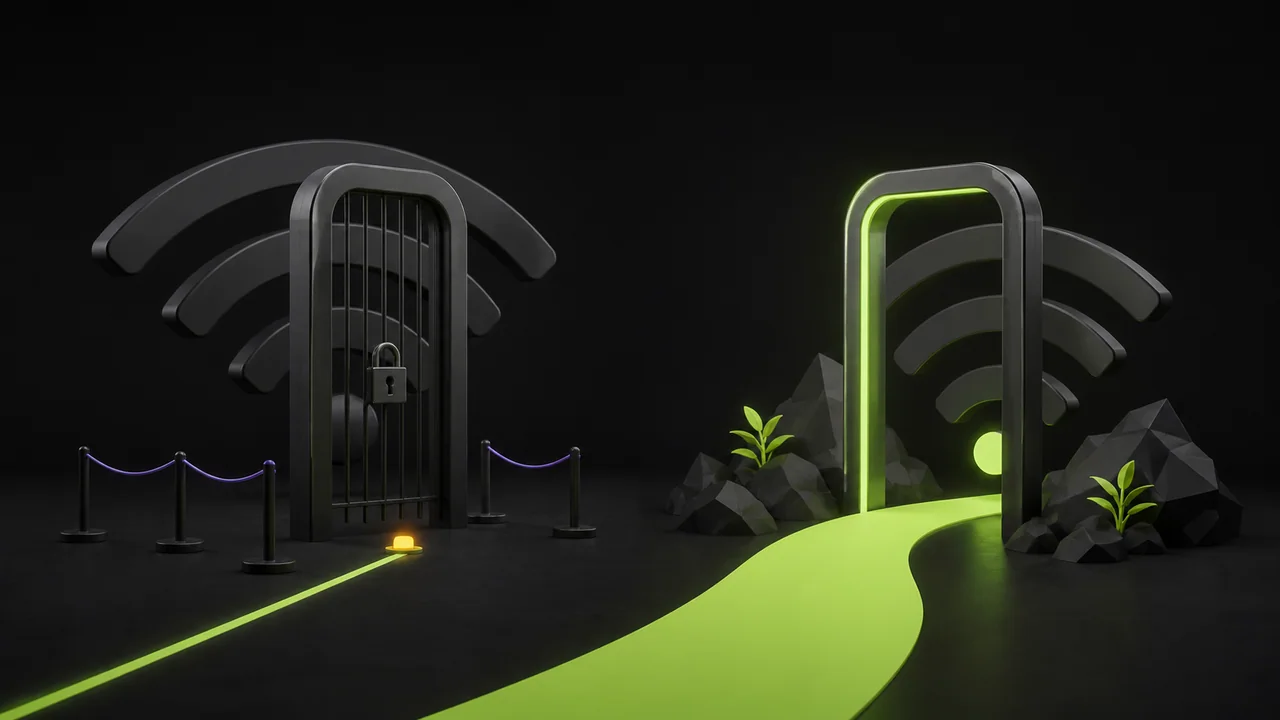
Un portail captif intercepte le trafic jusqu'à ce que vous acceptiez les conditions, saisissiez un code de chambre ou effectuiez un paiement.
Le DNS et le HTTPS peuvent se comporter étrangement avant la connexion, alors diagnostiquez d'abord le portail.
| Symptôme | Cause probable | Comment vérifier | Comment corriger |
|---|---|---|---|
| Wi-Fi connecté, aucun site ne se charge | Portail non terminé | Ouvrir la page de connexion du réseau | Se connecter avant de démarrer le VPN |
| Uniquement des erreurs HTTPS | Le portail intercepte le trafic | Essayer une page de test HTTP simple | Terminer le portail puis se reconnecter |
| Internet bloqué après déconnexion | Le kill switch protège encore le trafic | Vérifier l'état du VPN | Se reconnecter ou désactiver le kill switch intentionnellement |
Après la connexion
Reconnectez le VPN et refaites les tests d'IP et de DNS. Les réseaux Wi-Fi publics peuvent aussi avoir un signal faible, une isolation client ou des limites de temps.
Si le portail expire, les mêmes symptômes peuvent revenir plus tard même si les réglages du VPN n'ont pas changé.
Checklist
- ✓Terminer le portail avant le VPN
- ✓Vérifier la navigation directe
- ✓Reconnecter GhostMesh
- ✓Effectuer des tests d'IP et de DNS